Tasks and projects
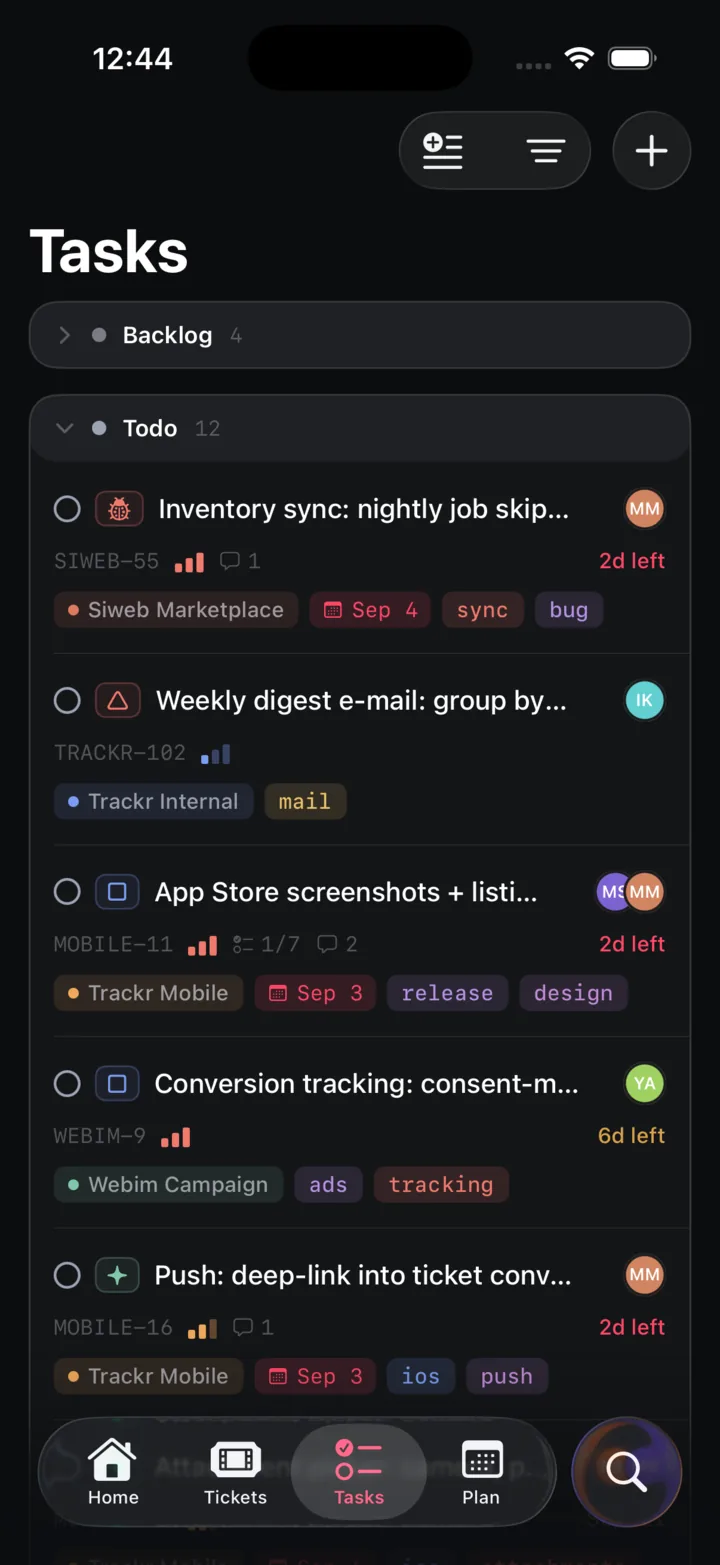
List or board, grouped by project, status, assignee or priority. Projects belong to clients and carry a status.
Tasks, tickets, wiki, and weekly planning — in one fast workspace. Built for small teams running real projects across multiple organizations.
Every partner is an organization in Trackr with its own tickets, roles and portal. Their work shaped what the product is today.




Every part of Trackr, as it looks in the app. Each slide leads to the section that shows it in use.
List or board, grouped by project, status, assignee or priority. Projects belong to clients and carry a status.
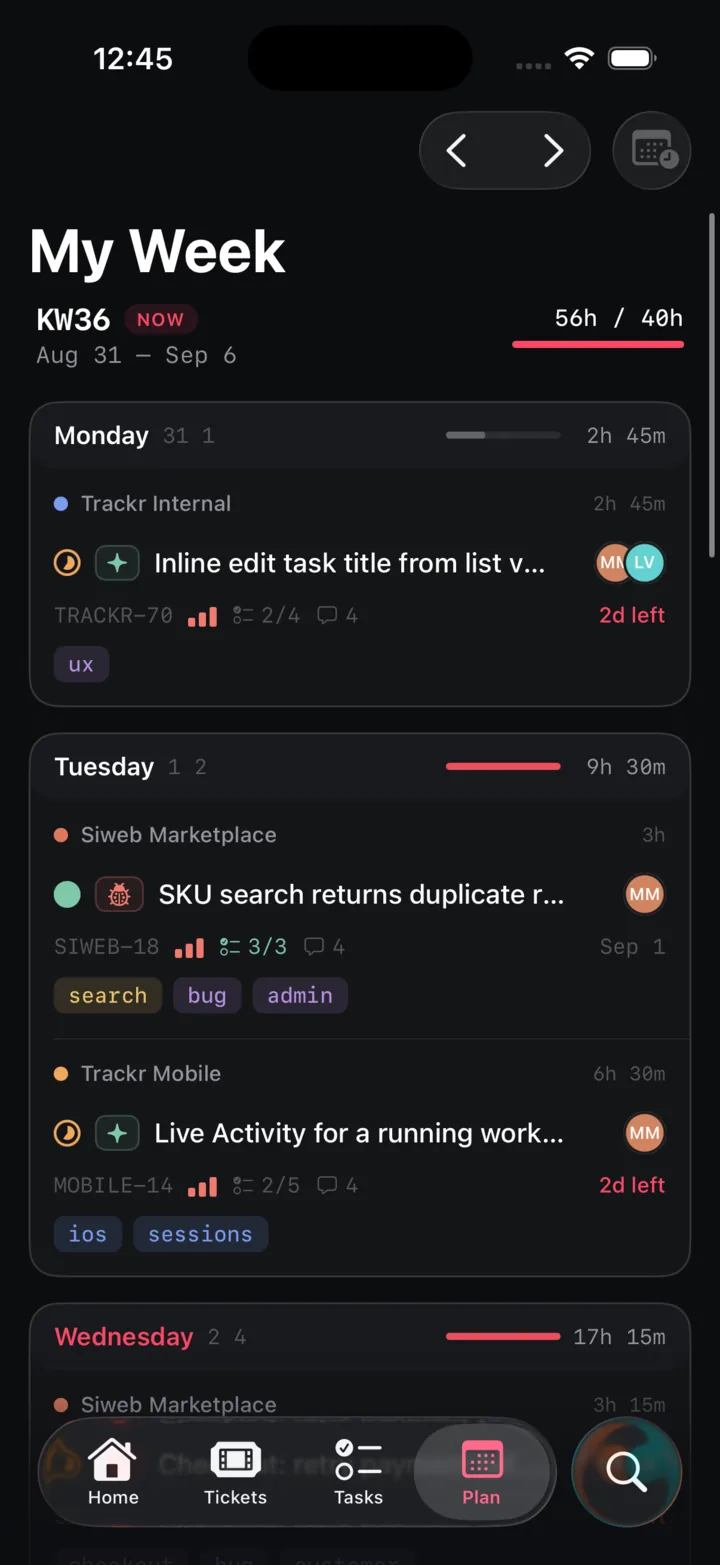
Seven days, eight hours each. Plan what you will do, see when a day runs over, log what it took.
A portal per client, internal notes your team keeps to itself, and a task linked to the fix.
Folders and pages, a block editor, live collaboration, Markdown paste and PDF export.
Meeting notes tied to a project, to-dos that turn into tasks, and tagged chat threads per client.
Nine roles across 28 permissions, scoped per organization and per project.
Connect Claude or any MCP client. It acts as you, with your permissions, and shows results as the app’s own rows.
Here is what I found across your open KiloHertz and Medizell tasks: four are due within the next 14 days, three of them in KHZ Internal. The Umbau task still has all seven checklist items open.
Three KHZ Internal tasks and one Medizell task, all assigned to you. If you’d like, I can move the Umbau due date or split its checklist into separate tasks.
A terminal client with a TUI, the same REST API the apps use, and signed webhooks for 23 events.
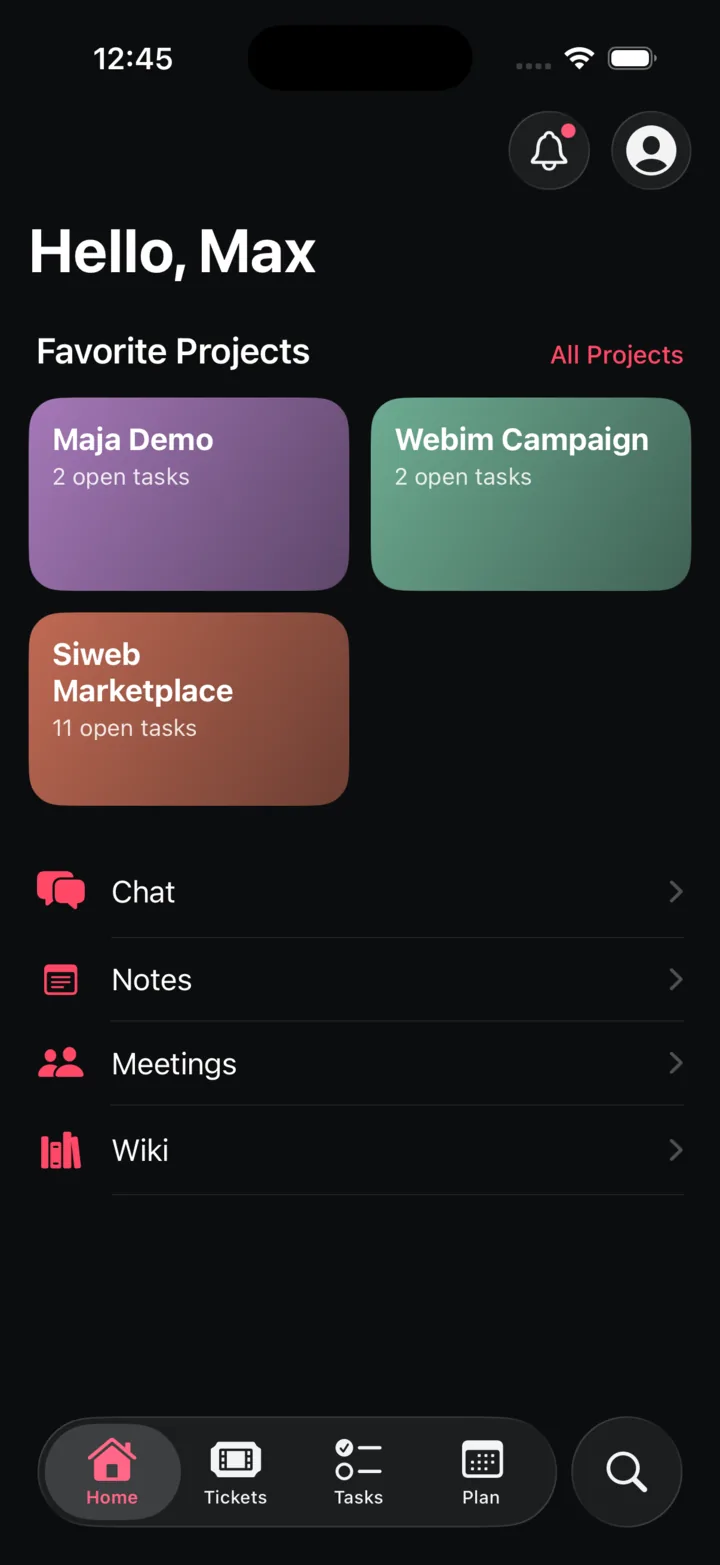
Your week, your tasks and your tickets on the phone, with live updates from the same API.
Stop stitching together five tools that don't talk to each other. Trackr is the project tracker, ticket queue, weekly planner and team wiki in one place.
List or board. Group by project, status, assignee or priority, then sub-group again. Every view reads from the same data.
Every project belongs to an organization and carries a status from prospect to archived. The board groups them by status; each card leads to its tasks, members and activity.
Nine roles, internal and client, across a 28-permission matrix. Scoped per organization and per project, without a spreadsheet.
Quick notes, meeting notes linked to a project, and templates you save yourself. A to-do in a note becomes a real task with one click from the gutter.
Threads per organization, tagged and searchable. When a conversation turns into work, create the ticket straight from the thread.
My Week lists your seven days with the hours planned on each. Pull in what you will actually do, watch the capacity fill, and log what it really took.
Eight hours a day, forty a week. Each day shows its own load bar; go over and it turns red. Trackr warns, it never blocks.
Type a task straight into a day. +SCM picks the project, !high the priority, @nh the assignee and ~2h the estimate.
Estimate when you plan, log time when you ship. The week shows logged hours where they exist and estimates where they do not.
Clients get a portal with only their tickets. Your team gets the whole queue, internal notes the client never sees, and a straight line from a ticket to the task that fixes it.
Clients sign in, open a ticket, follow the conversation and attach files. Their admins get an overview of open, unassigned and recently closed tickets.
Switch the composer to internal and only your team reads it. Create a task from the ticket; when the task reopens, the ticket says so.
Every ticket shows its channel, category, first response and resolution time. Unanswered tickets stay flagged in the queue until someone replies.
Folders and pages in one tree, a block editor with real-time collaboration, and the small things that make people actually write.
Headings, lists, to-dos, quotes, code, images and files. Type / and pick one, or use the Markdown shortcut.
Everyone on the page sees each other’s caret and selection. Changes merge without a save button.
Reorder pages or move them between folders straight from the tree. Search it when it gets big.
Raw Markdown from a README or a chat becomes real headings, lists and checkboxes on paste.
Paste or drop an image, attach a PDF or a spec. Files live with the page and download with one click.
Long pages get an outline that follows you. Copy a link to any page or export it as a PDF for people outside Trackr.
Trackr ships a Model Context Protocol server. Connect claude.ai, Claude Code or any MCP client and the assistant reads tickets, tasks, wiki and notes, creates and updates them, and shows the result as the same rows you see in the app.
Access is off by default and enabled per user. Inside MCP the assistant has exactly your roles; every write notifies, fires webhooks and lands in the audit log as if you had done it.
37 tools for tickets, tasks, projects, wiki, notes, checklists and time logs, plus resources and ready-made prompts for a standup, ticket triage and meeting notes. One tool renders an inline widget.
Admins add workspace instructions and guides the assistant reads before it plans; each user can add their own. The built-in rules keep it from inventing descriptions, steps or tags.
Here is what I found across your open KiloHertz and Medizell tasks: four are due within the next 14 days, three of them in KHZ Internal. The Umbau task still has all seven checklist items open.
Three KHZ Internal tasks and one Medizell task, all assigned to you. If you’d like, I can move the Umbau due date or split its checklist into separate tasks.
Everything the web app can do is reachable from a REST API with bearer tokens. Script it, wire it into CI, or live in the TUI.
Create tasks, triage tickets and read your inbox from the terminal. Every command takes --json for scripts; bare trackr opens a full-screen TUI.
The same /api/v1 the iOS app and the CLI use. Bearer tokens, a server-sent events stream for live updates, and the exact permissions of the web app.
23 event types, HMAC-SHA256 signed payloads, retries on a fixed schedule and dead endpoints switched off for you. Filter by organization, project or assignee.
One compose file, four containers: Postgres, the app, a worker and a scheduler. Bring an SMTP server; object storage is optional. No Redis, no message broker.
Built for small teams. Two minutes to set up. Self-host it or let us run it.