Work sessions on the lock screen
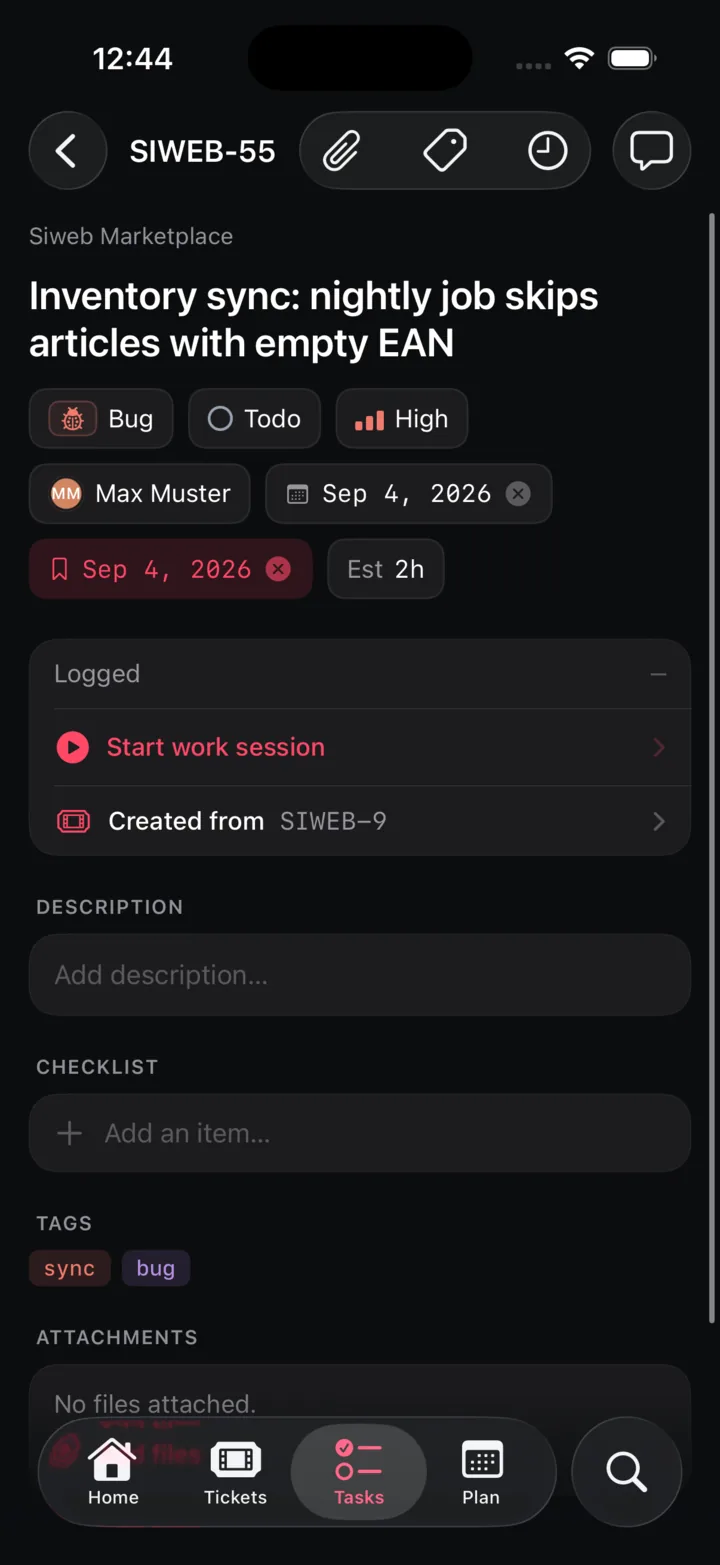
Start a session on a task and it keeps counting in the Dynamic Island and on the lock screen, even when iOS closes the app. Stop it from the web and the phone follows.
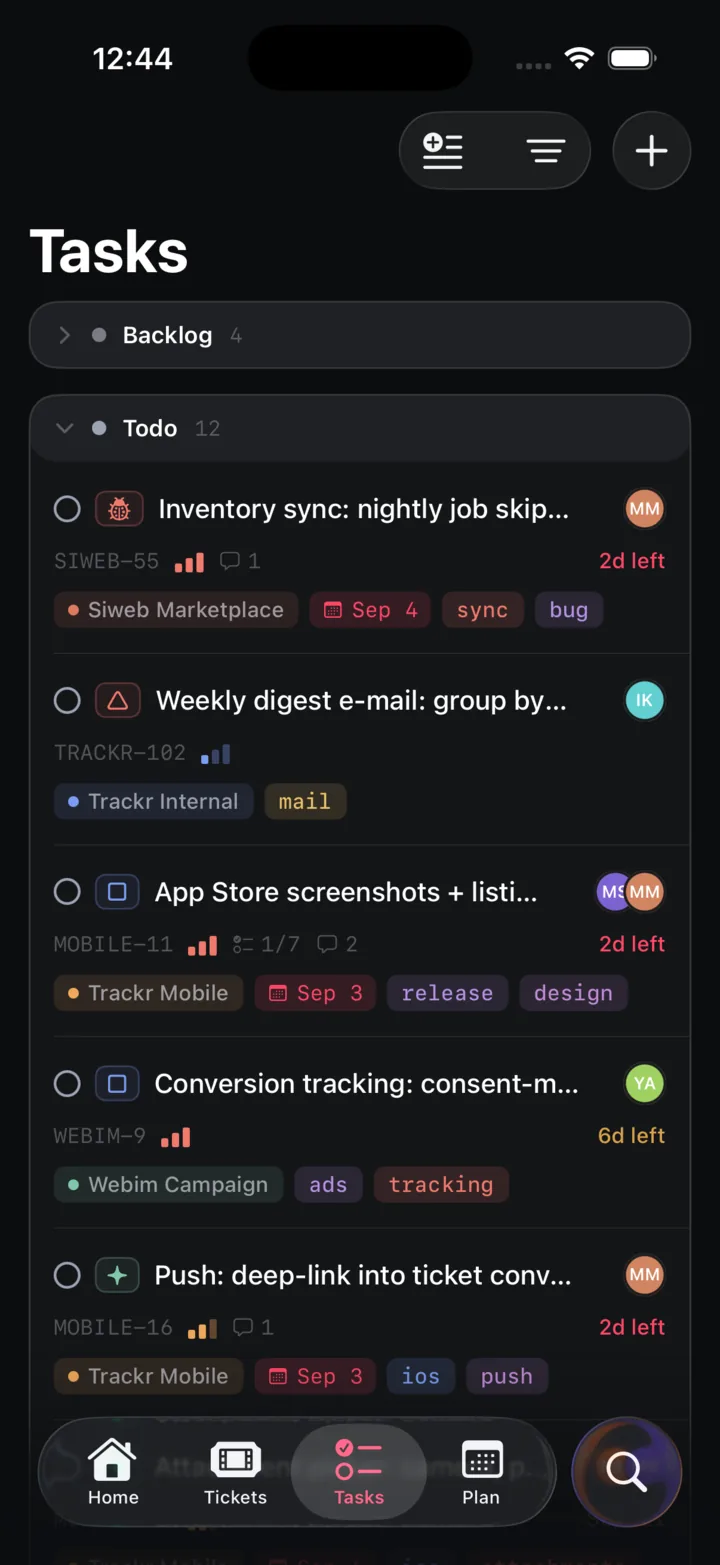
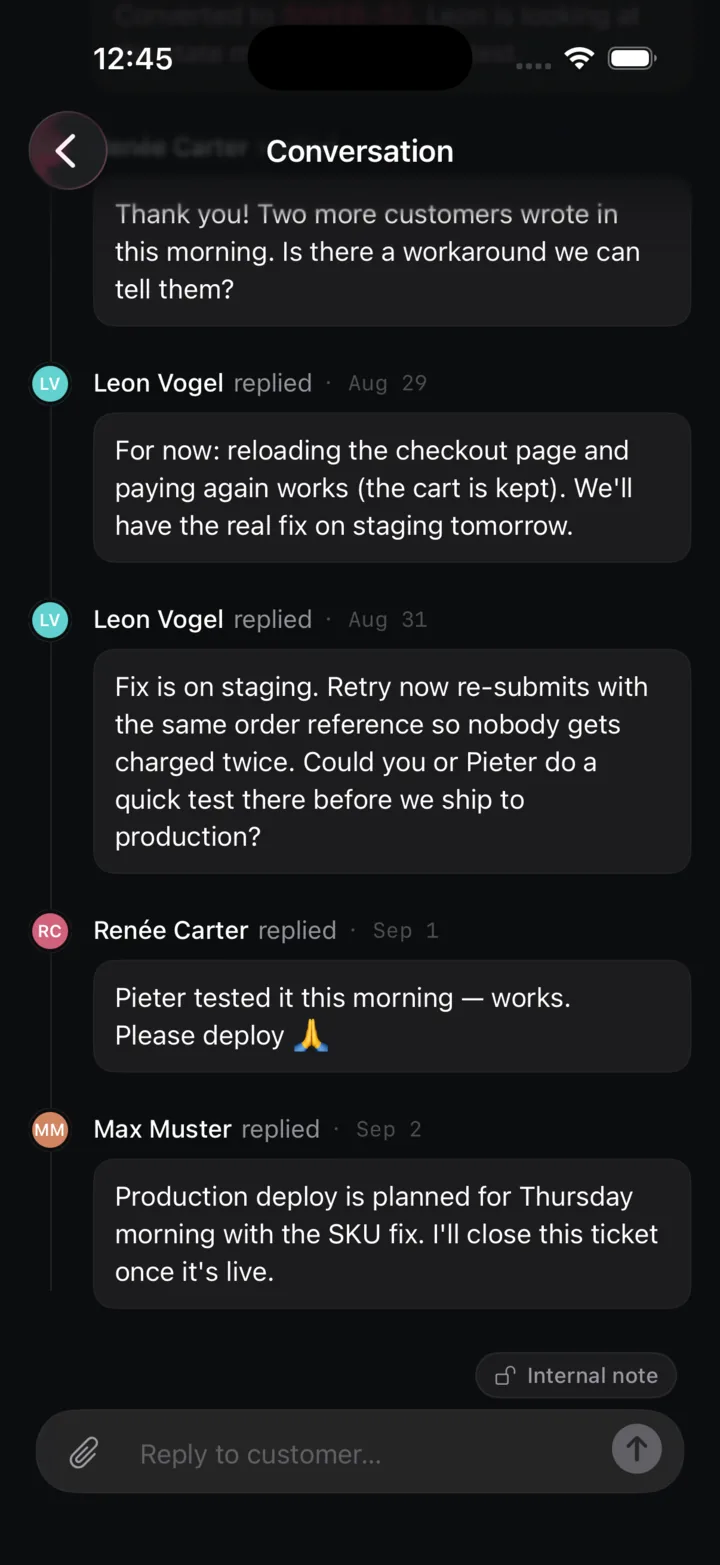
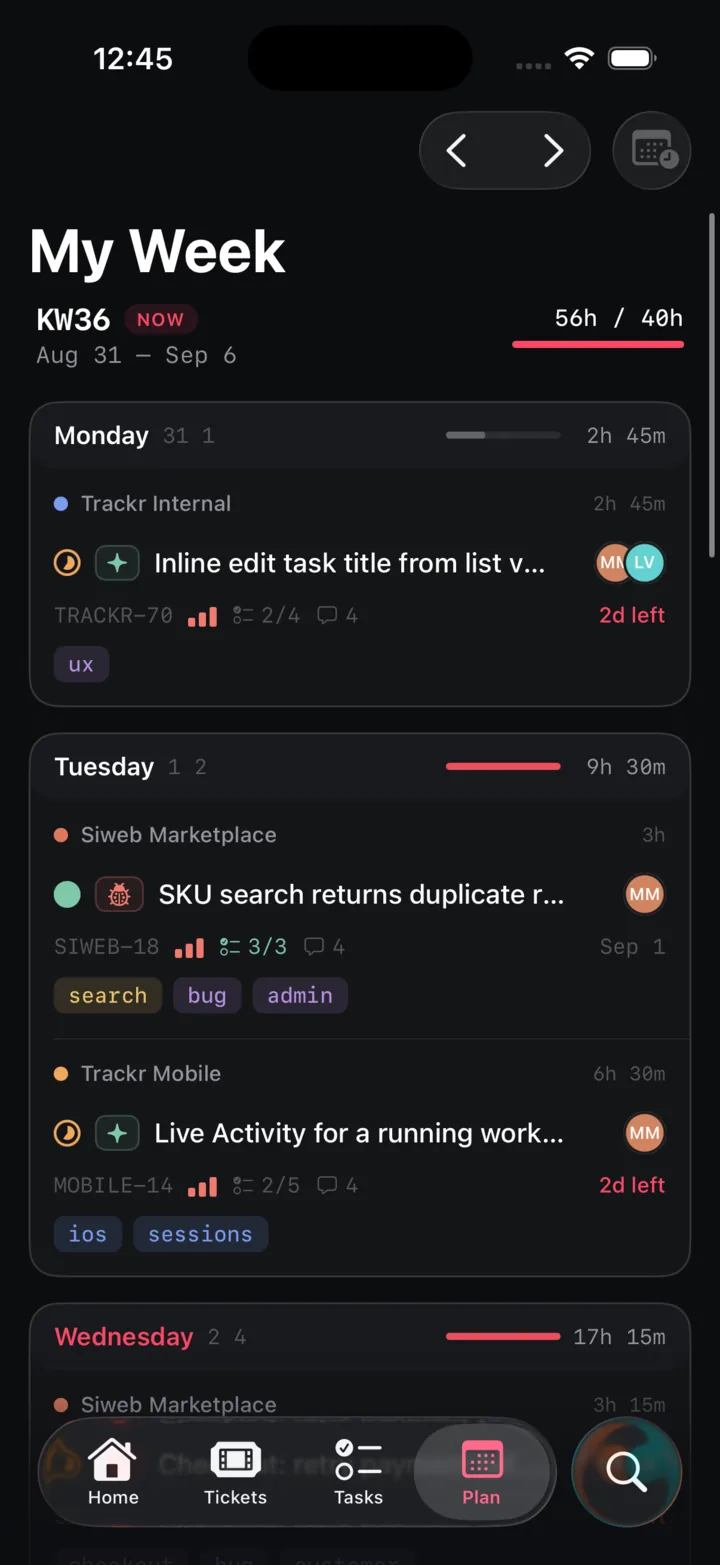
Check the week on the train, tick off a task, answer a client, log the hour. The phone carries the reactive half of Trackr. The desktop keeps the structure.
SwiftUI, the lock screen, the Dynamic Island, the camera and the keychain. Underneath it is the same API the web app uses.
Start a session on a task and it keeps counting in the Dynamic Island and on the lock screen, even when iOS closes the app. Stop it from the web and the phone follows.
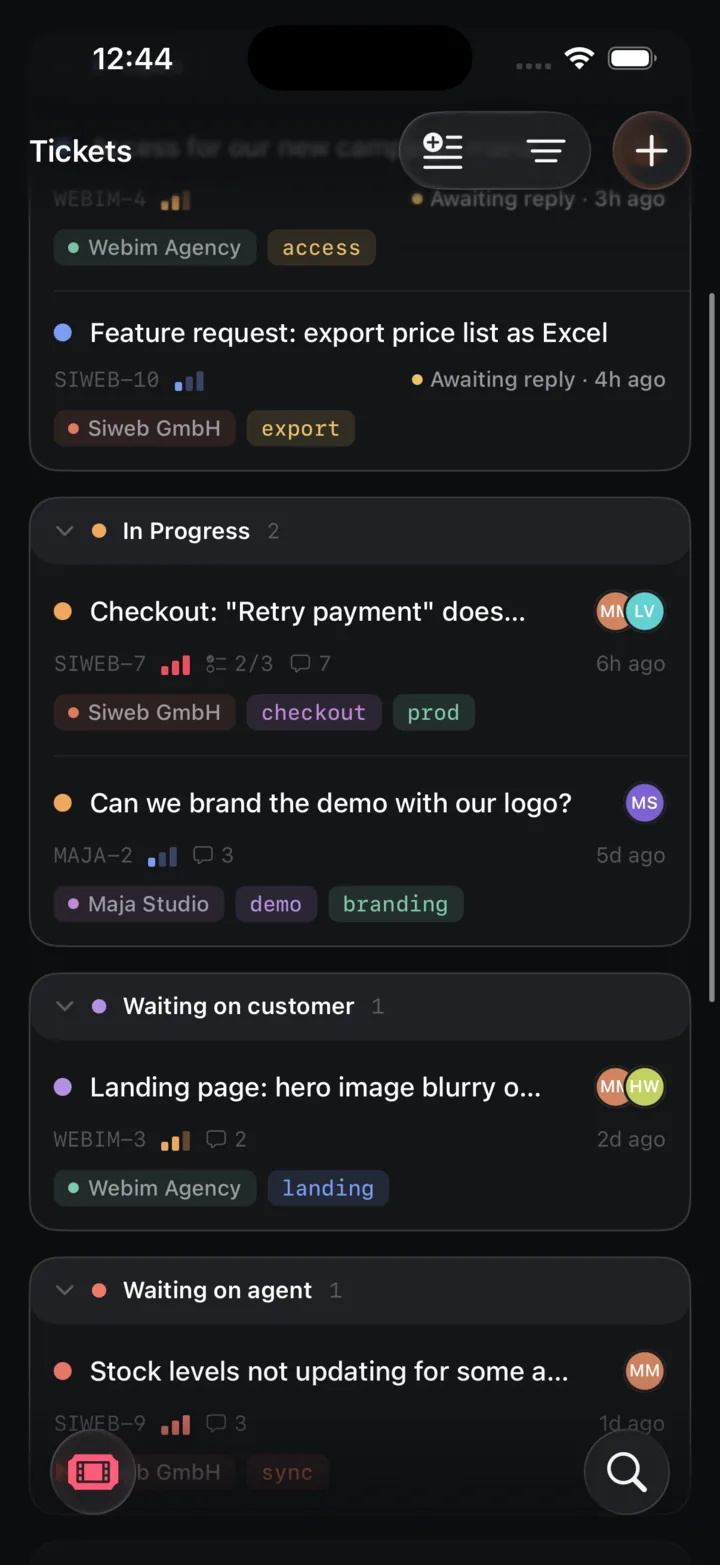
Assignments, replies, mentions and status changes arrive as notifications, using the same per-event preferences as email.
Every screen renders from the last response before the network answers. Changes arrive over the same event stream the web app listens to.
Shoot with the camera or pick from the library, and the photo lands on the task, ticket or reply as a normal attachment.
A title and a few lines, saved to your notebook from one sheet. Search finds it later, on any device.
Type your instance’s domain, sign in in the system browser, done. Self-hosted works exactly like hosted, and the token never leaves the keychain.
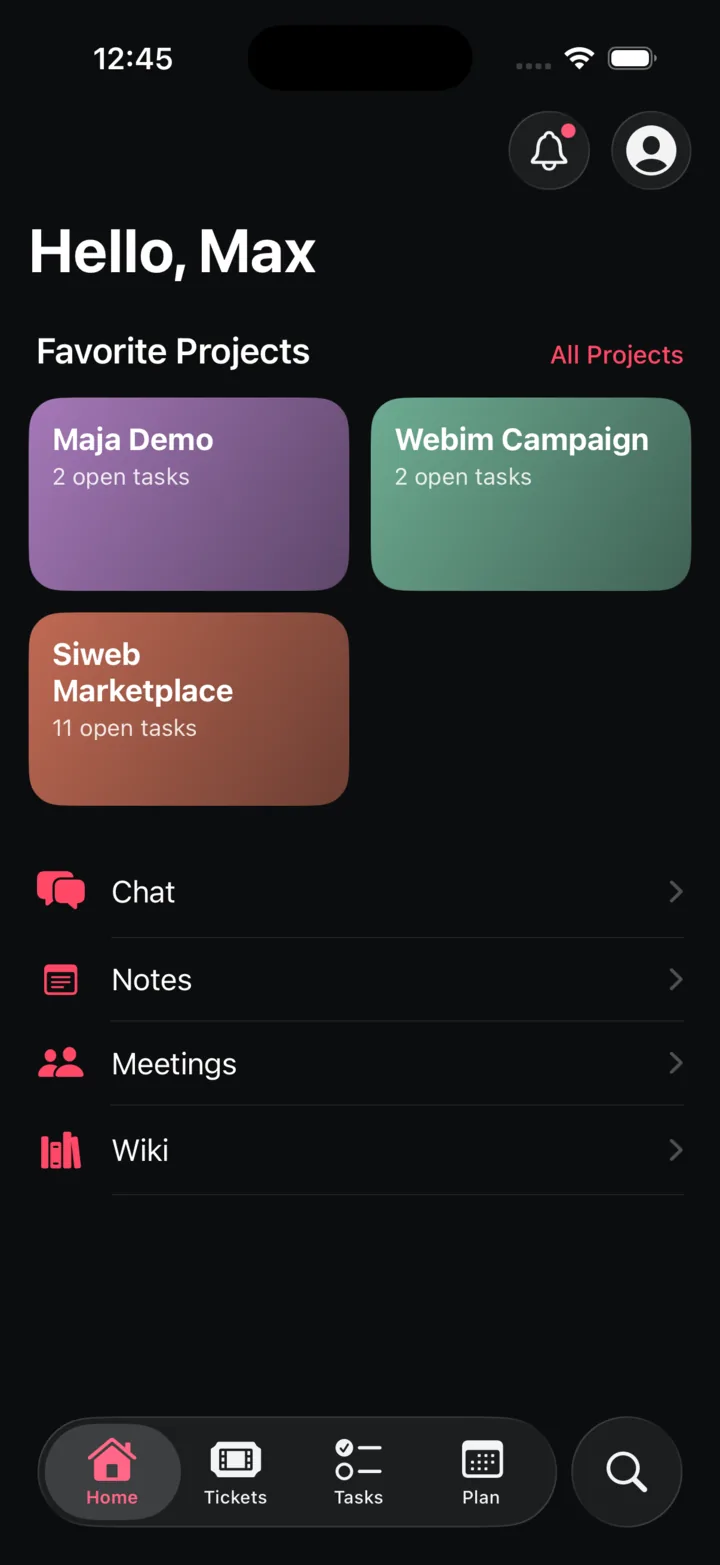
Home, Tickets, Tasks and Plan. Tap a step, or let it run.


Boards, bulk edits, project setup and collaborative wiki editing live in the web app. The phone reads wiki pages and shows chat threads, then hands you back to a keyboard for the rest. That is a decision, not a gap.
The app is distributed to the team through TestFlight for now. Public availability will be announced in the changelog.